
Create the offer
Set ticket names, descriptions, prices, capacity, sales options, dates, and venue information.
Sell tickets online
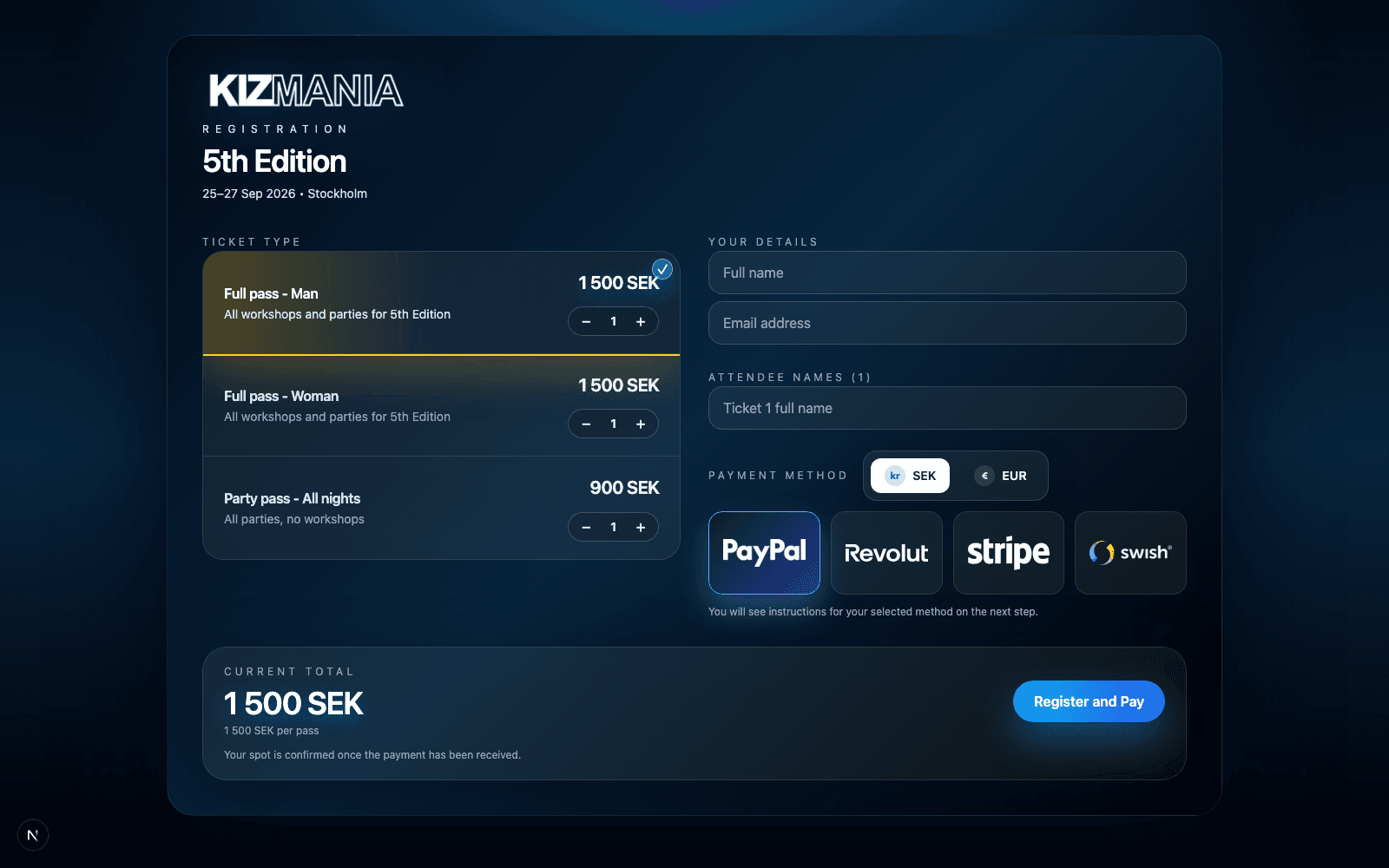
Give guests a focused path from ticket selection to payment while your team keeps control of inventory, attendee details, and order status.
How online ticket sales work
Set ticket names, descriptions, prices, capacity, sales options, dates, and venue information.
Present the event in a registration experience that carries your organizer logo and visual theme.
Capture buyer and attendee details while guests choose an available ticket and payment method.
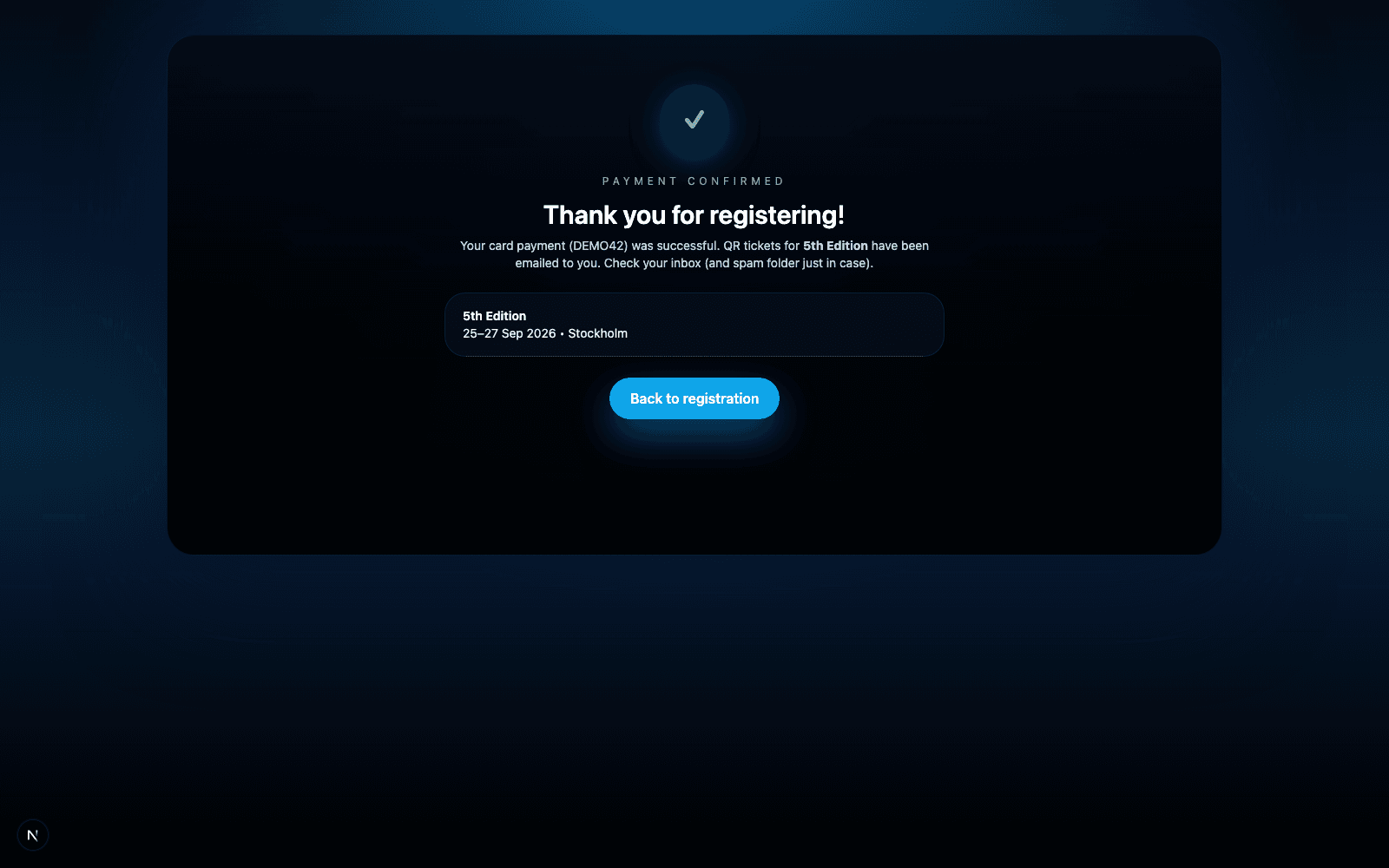
Send the ticket confirmation and use its unique QR code for event-day validation.
Payment choice without operational sprawl
Configure Stripe, Swish, PayPal, and Revolut according to the needs of each organizer. Tikoria keeps the resulting orders and payment states in one place.
Before you launch
Yes. Create multiple ticket types with their own names, descriptions, prices, capacity, and ordering. This works for passes, workshops, party tickets, or other event-specific offers.
Organizers can enable SEK, EUR, or both, depending on their event setup. Payment methods are shown according to the configuration available for that organizer.
Tikoria records the order and attendee information, tracks payment status, and provides the ticket confirmation used for QR validation at the door.
Ready to sell?