
Build your event
Create ticket types, capacity, pricing, dates, venue details, and the registration experience your guests will see.
Event ticketing, without the patchwork
Tikoria brings branded registration, flexible payments, digital tickets, and QR check-in into one focused workflow for event organizers.
Tikoria organizer workspace
Live overview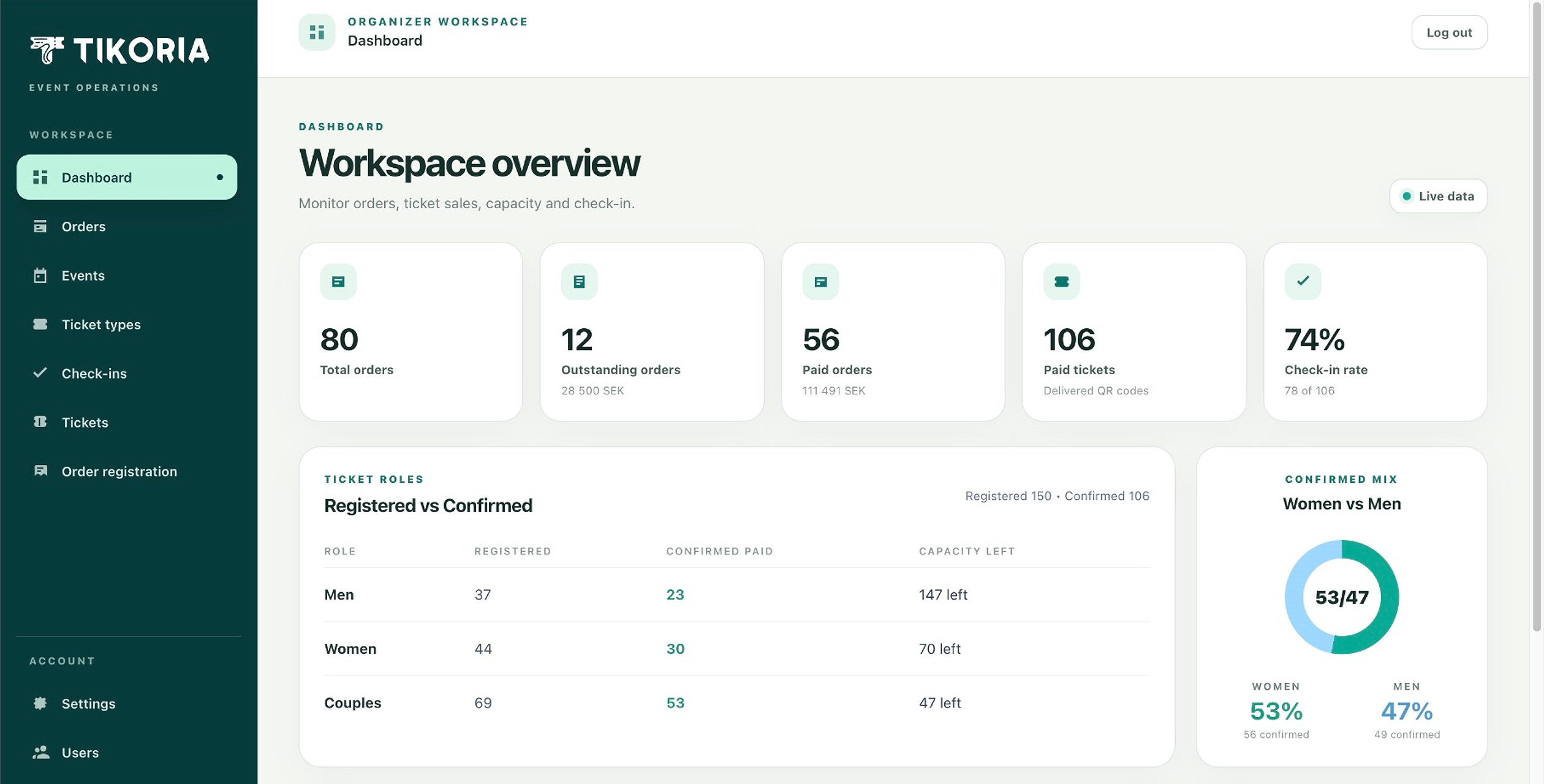
Let guests choose a familiar payment method while your team keeps every order in the same operational view.
From setup to showtime
Tikoria keeps the guest experience and organizer operations connected, so the information collected during ticket sales is ready when doors open.
Create ticket types, capacity, pricing, dates, venue details, and the registration experience your guests will see.
Offer the payment methods that fit your audience and event, including Stripe, Swish, PayPal, and Revolut.
Follow registrations, payment status, attendee names, and ticket inventory from one organizer workspace.
Validate QR tickets and see check-in status in real time, so the entrance team can keep the line moving.
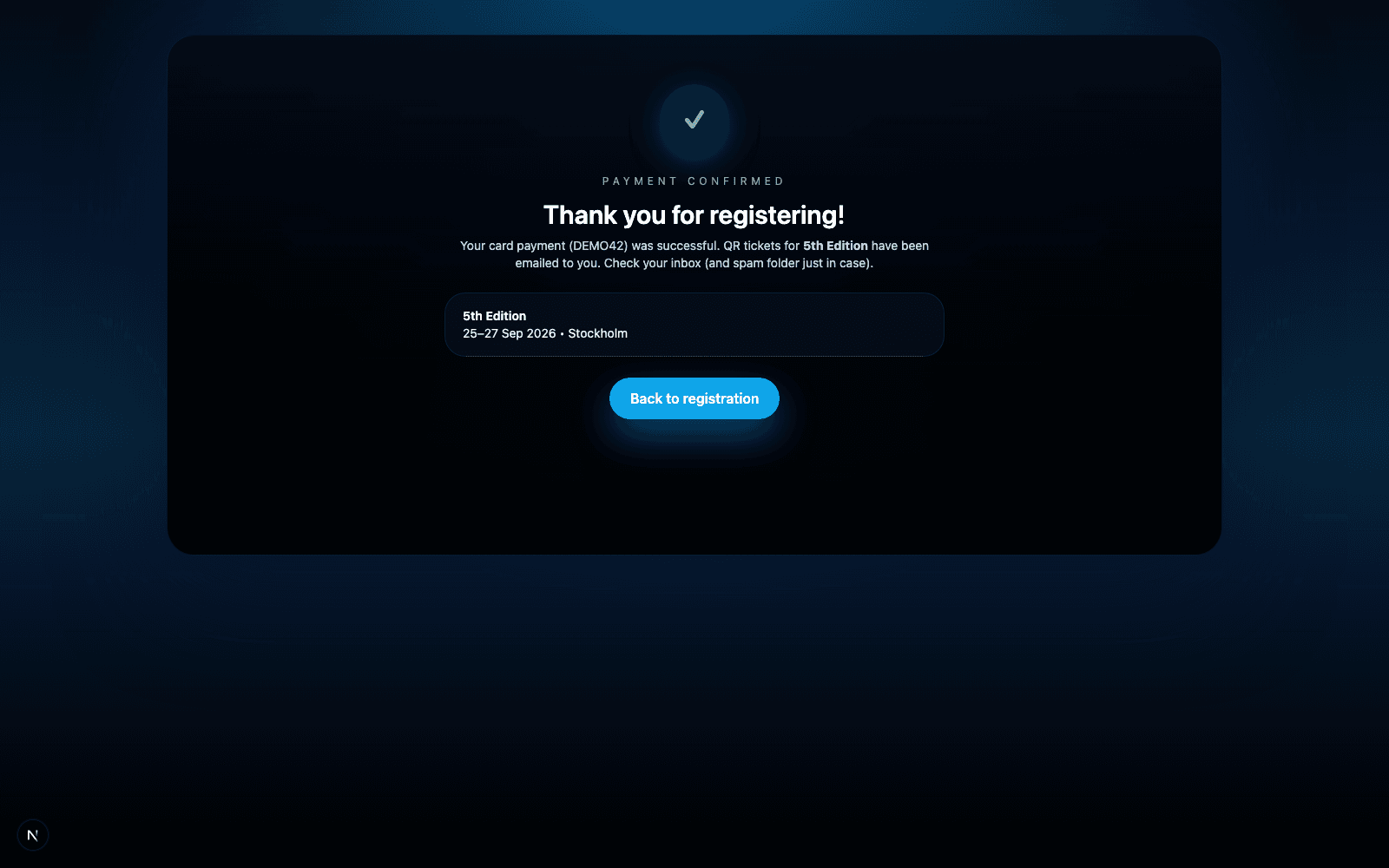
A product guests can trust
Use your logo, theme, event details, and payment setup across a registration journey designed to feel direct and easy to complete.
The organizer side of Tikoria
The public ticket flow is only half the product. Behind it, your team gets one operational workspace for dashboards, orders, events, ticket types, attendees, manual registrations, users, and check-in.
Explore the organizer workspace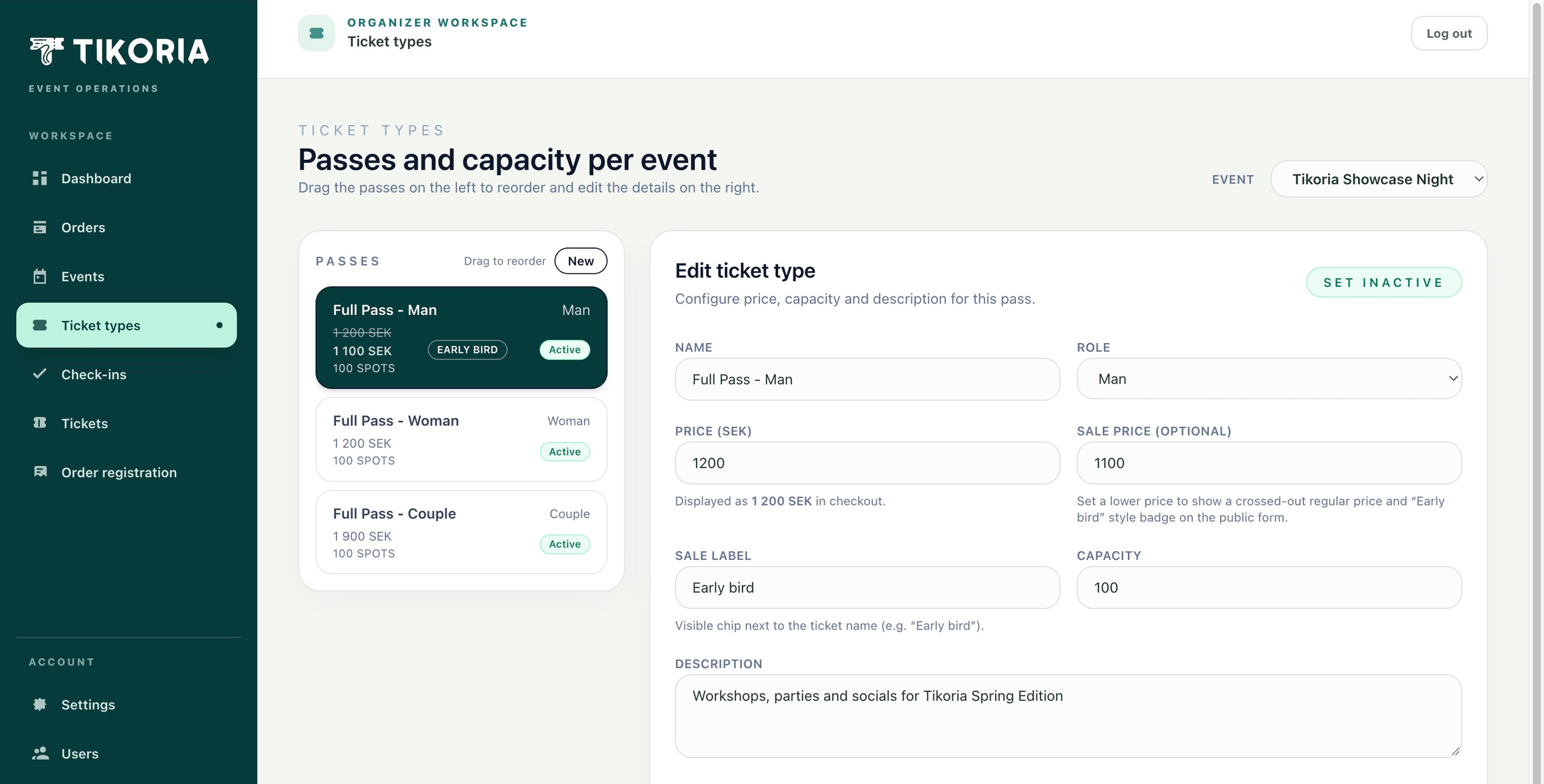
Track total, paid, and outstanding orders alongside revenue, delivered tickets, and check-in rate.
Create, price, reorder, activate, and cap every pass from the same workspace.
Search orders and tickets, register guests manually, follow payment state, and run check-in.
Questions, answered
Tikoria supports ticketed experiences such as festivals, concerts, dance events, workshops, showcases, and community events. Organizers can configure ticket types and registration details for each event.
Depending on the organizer's setup, an event can accept Stripe, Swish, PayPal, and Revolut. Available methods are configured per organizer and event.
Yes. Tickets include unique QR codes that door teams can validate in Tikoria's check-in flow. The system shows whether a ticket is valid, paid, cancelled, or already checked in.
Yes. Organizers can use their own logo and visual theme so the customer journey feels connected to the event rather than a generic ticket marketplace.
Your next event, one system